Blog


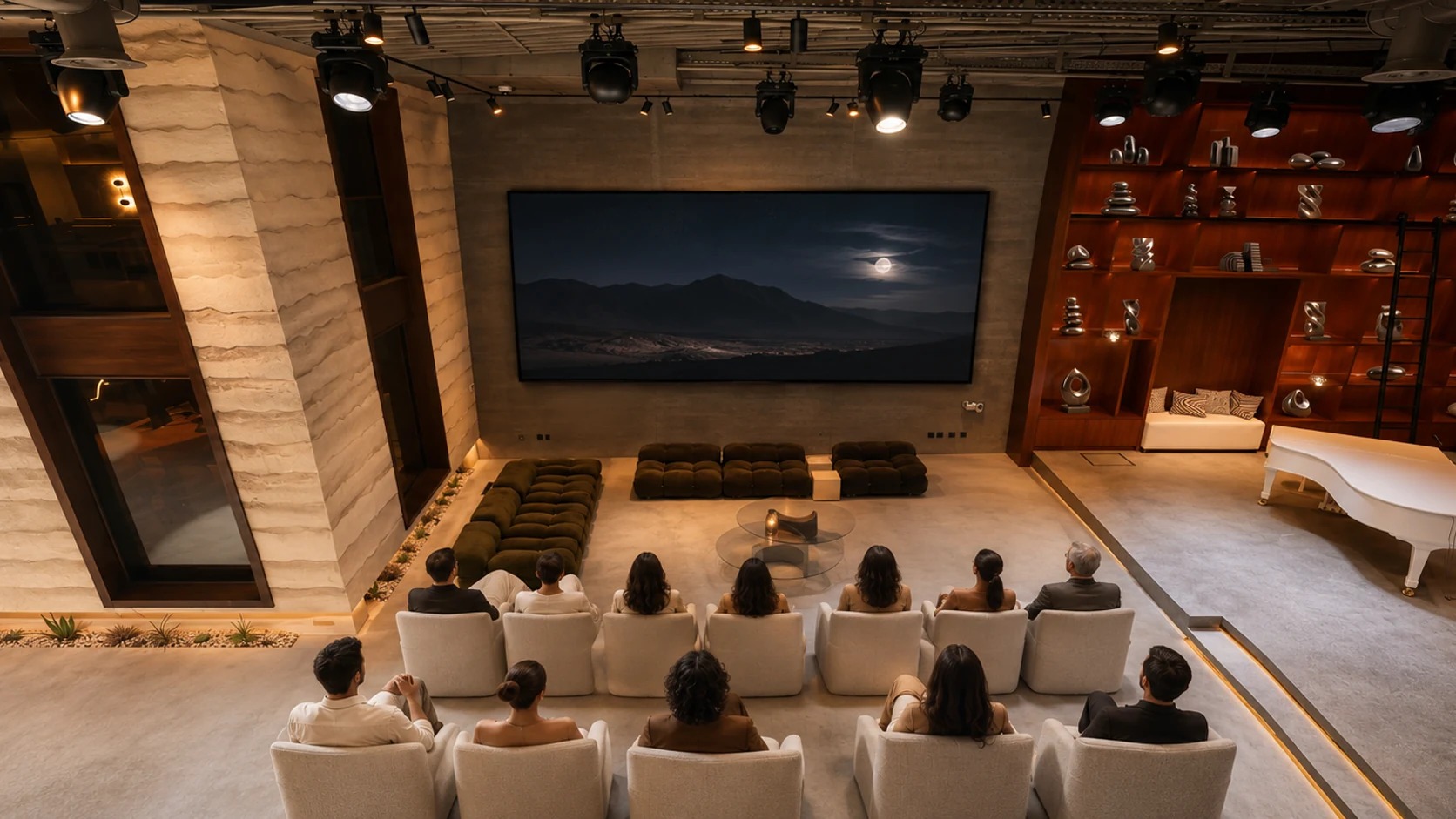
Plan a private film screening in Dubai. Test the film and captions on your chosen playback setup, then check guest sightlines during your venue walkthrough.
The last chair in the back row is a good place to listen to the film’s softest line, especially while the operator still has time to make a change. Then look at the screen’s lower edge. The same seat may hear the line and lose its subtitle behind a guest’s shoulder. For a private screening in Dubai, the host and the technician need time to check the film together from somewhere other than the playback desk.
Someone’s House in Al Quoz has a private film premiere venue page for hosts planning a screening for invited guests. The broad event plan starts there. Settle the playback copy and test the view while a chair can still move or the editor can still send a revised file.
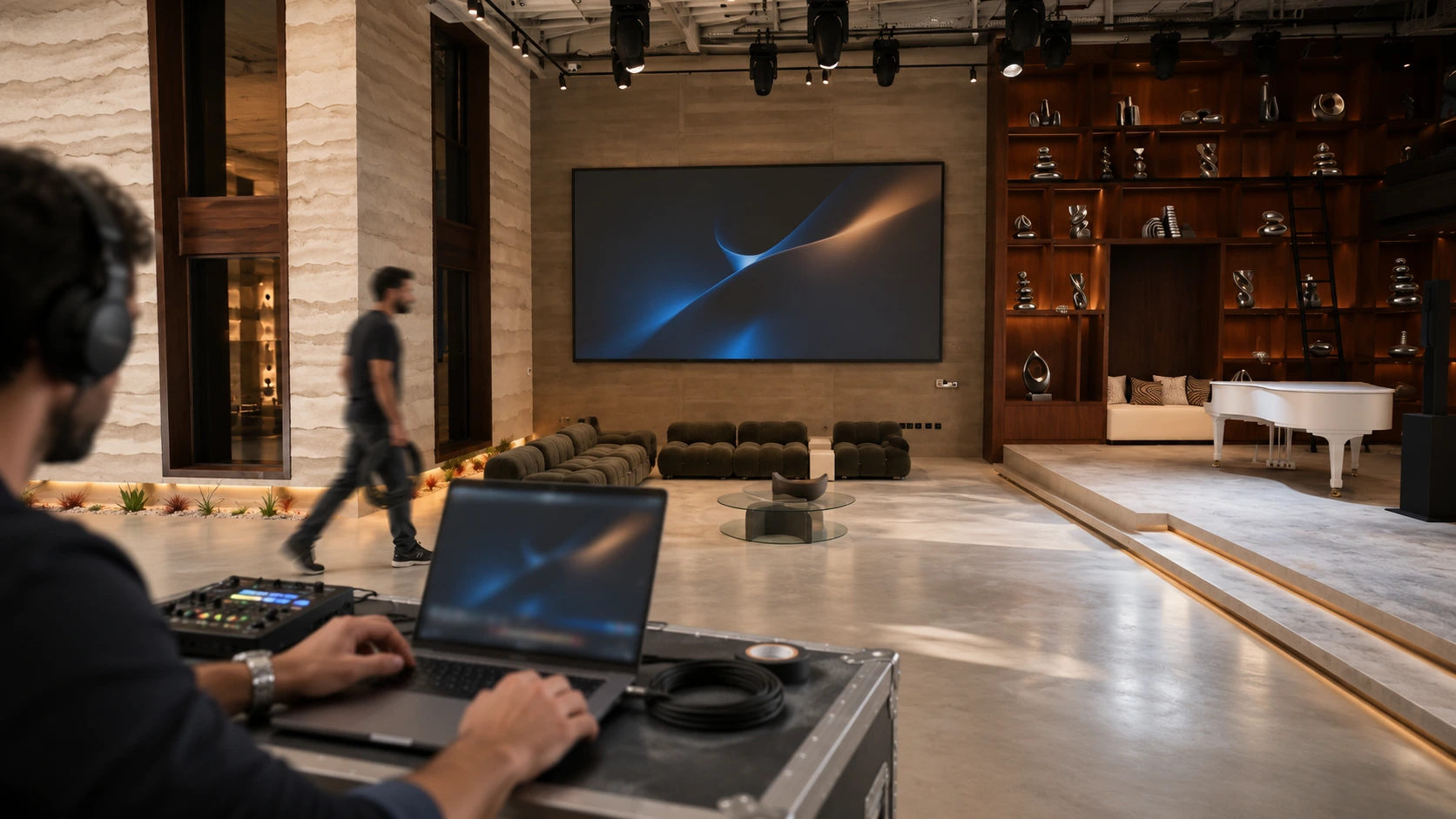
Ask the person supplying the film to name the approved version in the handoff and include its running time alongside any subtitle instructions. Save the approved copy where the operator can find it among exports with closely related names. If the chosen copy begins with slow opening credits, calculate the start cue against the actual file. What appears to be a twenty-minute program on a brief may run longer once the introduction is counted.
Movie files that share a filename extension can contain different audio or video formats, so the playback operator needs the actual file on the device chosen for the night. If the distributor supplies a Digital Cinema Package, ask the technical team to confirm the playback setup it requires and who will arrange it. Cinema packages and regular video exports call for different compatibility checks. Agree on an authorized fallback copy with the distributor and test it using the same display and audio path.
Book enough preparation time for the entire approved program to run on the playback setup chosen for the event, especially when the file is new to the operator. The opening may play well even when a subtitle track drops out near the end. Sample scenes with faint dialogue or sharp changes in level while the full run plays. When you hear a fault, record its timecode so the editor and the operator can refer to the same passage.
On a rehearsal day with limited time for a correction, specific timecodes are easier to use than a note saying the sound felt low. Play the revised passage again on the event setup when a fresh export arrives. If the file change affected its length or subtitle timing, run the full replacement during the remaining production window, or agree to use the already tested authorized copy for the screening.
Repeat the checks if the original rehearsal used a bare wall or a borrowed speaker; schedule the repeat after the crew installs the equipment selected for the actual screening. New connections may change what the machine sends to the screen, especially when a presenter’s laptop shares the same input path. Swap between the introductory slides and the film during rehearsal. The operator needs to know which image the audience sees during the switch, so somebody seated with the guests can flag a desktop or a message appearing on the display.
Someone may follow a film through translated subtitles, while another guest relies on captions for dialogue and sounds they would otherwise miss. The W3C explanation of captions and subtitles describes how captions convey speech and other relevant audio information. Ask which version the audience will have access to. If the host advertises on-screen captions, the operator’s copy needs the correct track or a file with readable text already included in the picture.
Subtitle lettering may look crisp against a dark opening scene, so test the same lettering over a bright image from the rear seats. Use a fast exchange in the test so somebody can judge how long the lines remain legible from a real seat. Caption placement deserves the same attention as size. The front row may see the bottom line perfectly while the same line falls below another guest’s view in the rear.
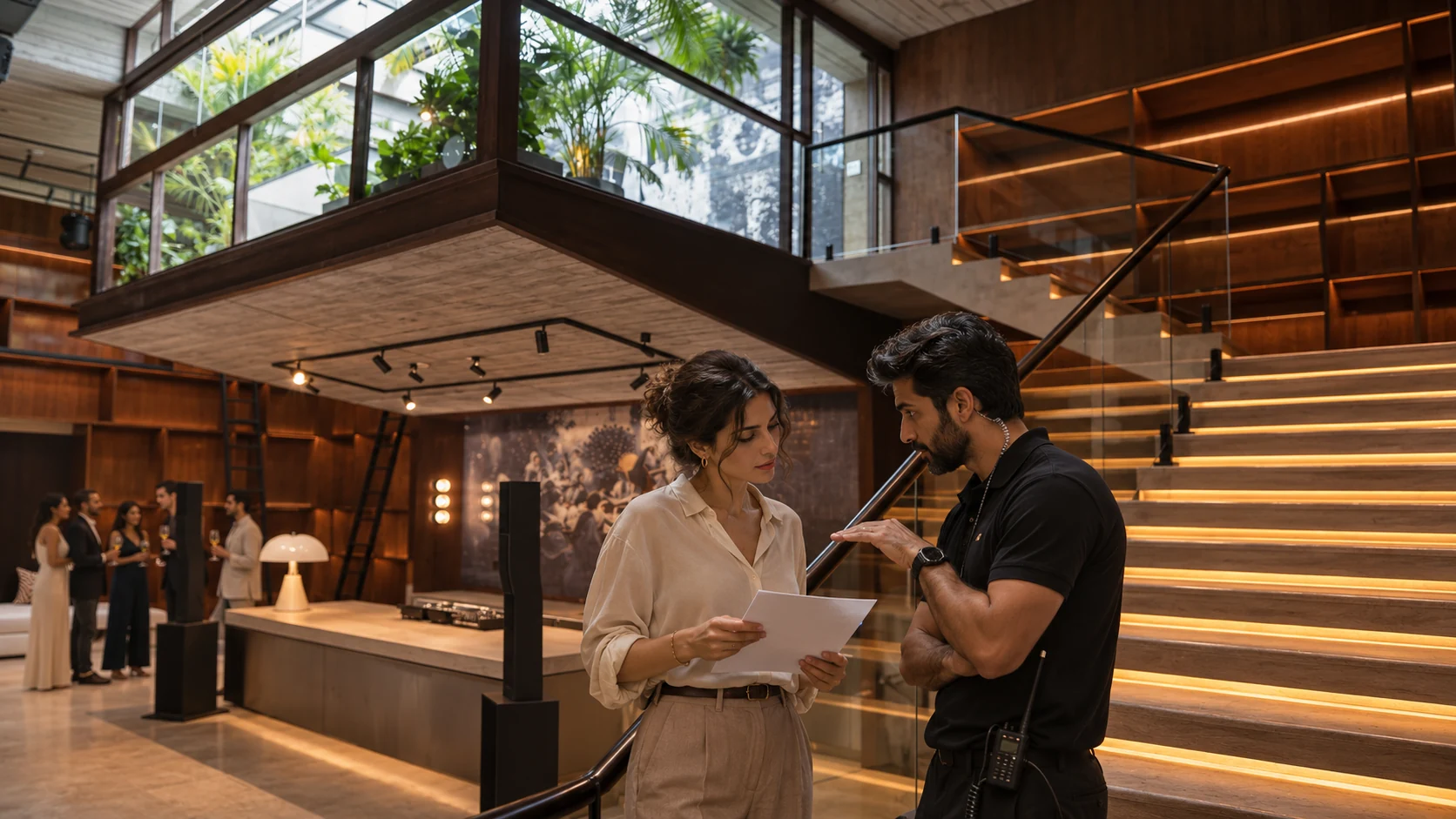
Soft dialogue is a better rehearsal passage than the trailer when the operator needs to hear how the spoken track carries to the far side. Listen through a conversation and a louder scene at the intended playback level. If a wireless microphone will be used, rehearse the change to the film sound after the host speaks. The person at the playback desk needs permission to signal a pause if speech or picture drops out.
Draw the seats around the picture guests will actually watch, then check the outer chair positions and the rear rows with the final layout in place. People in a central seat tend to have an easy view during a walkthrough. The view changes when a viewer moves to an aisle end and looks through the gaps between chairs. Try staggered rows if chair backs or heads cut across the image. For guests who ask for seats together, find adjacent places within the layout you have tested.
If a guest needs a specific wheelchair location or another seating accommodation, discuss the location they’ll use and the route they’ll take with the venue team before finalizing the layout. Where companions will watch is part of the same conversation. Test the sightline there at the viewing height the guest is likely to need. Check the full picture width and read the text near the screen’s lower edge from that position.
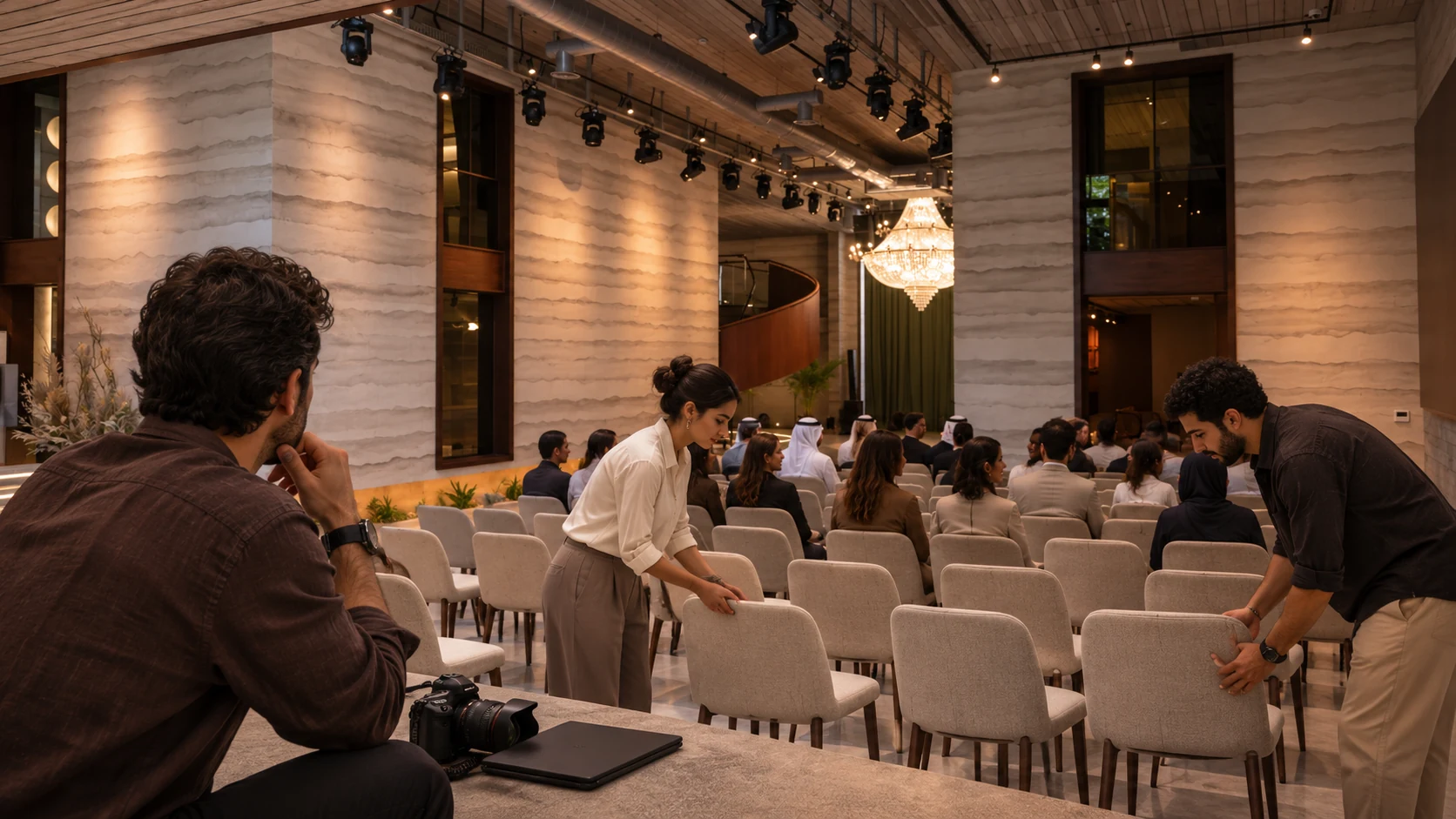
When a layout looks better on paper after somebody adds another row, ask the venue team to walk the changed route while the guest list is still open. Chairs and bags occupy space at guest level, particularly at the ends of rows. The Someone’s House venue terms require emergency routes to remain free of obstructions. Follow the layout agreed with the venue team and keep the route usable at the lighting level planned for the film.
Where a lounge chair puts someone lower than the chairs ahead, check the view with an adult in the next row and with the screen set at show height. Change the chair position or remove the seat from the count if the person loses the picture edge. Empty seats at a walkthrough can make a layout look workable, so test it again once the chairs are occupied.
People who arrive during the first scene are likely to need help finding a seat, so reserve a small number of agreed aisle places with a usable approach if late admission suits the event. For a film with a particularly soft opening, the host may choose an agreed pause in arrivals and ask staff to direct late guests at a suitable cue. Share the plan with the person checking names; the operator needs the same timing if the host pauses the start.
If the film is an unreleased cut, settle the photo arrangements with the person responsible for the material and share the agreed instructions with staff. Some hosts allow guest photographs at the welcome and restrict photography once the program begins. Decide where crew members can leave playback copies at the end, or who will collect them if the distributor supplied the media for the night.
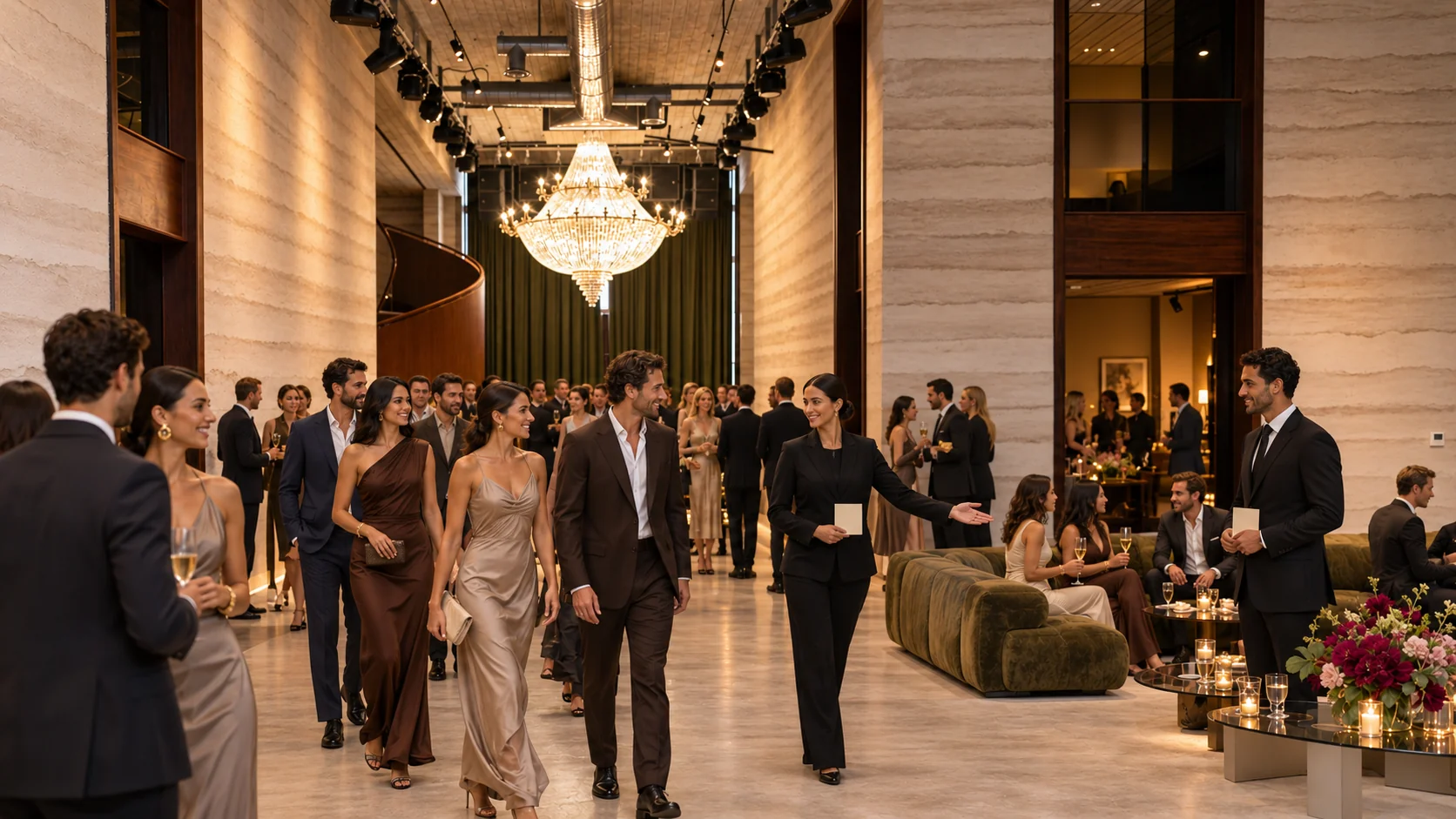
The host can finish the introduction on an agreed cue so the operator knows when to start the film and staff can settle the doors. Rehearse the transition with the welcome microphone in use and check the lights at the exact cue. Keep the approved route lighting in use throughout the film. Let the producer choose when the lights rise for guest departure. Credits with a final scene or message may request a later cue than the end of the first musical passage.
House terms: place setup and equipment reset are included within the booked window, so set aside enough time for the technical rehearsal within the full-day booking. The host can time any reception to begin after the film’s actual running time and the agreed exit or transition. If food is planned, discuss when staff should move trays or collect glasses so service sounds stay out of the dialogue. Confirm who can change the running order if the start moves.
Use the Someone’s House booking page to share your proposed date and expected guest count for a full-day booking in Al Quoz. Include the film’s running time and playback format when you know them, so the venue team can review your seating plan and technical requests. If the technical copy is still in progress, share the delivery date and agree on how much time the team will have to check it. Your walkthrough is a good time to take the seat where a guest will actually watch the film and read the subtitles.