Blog


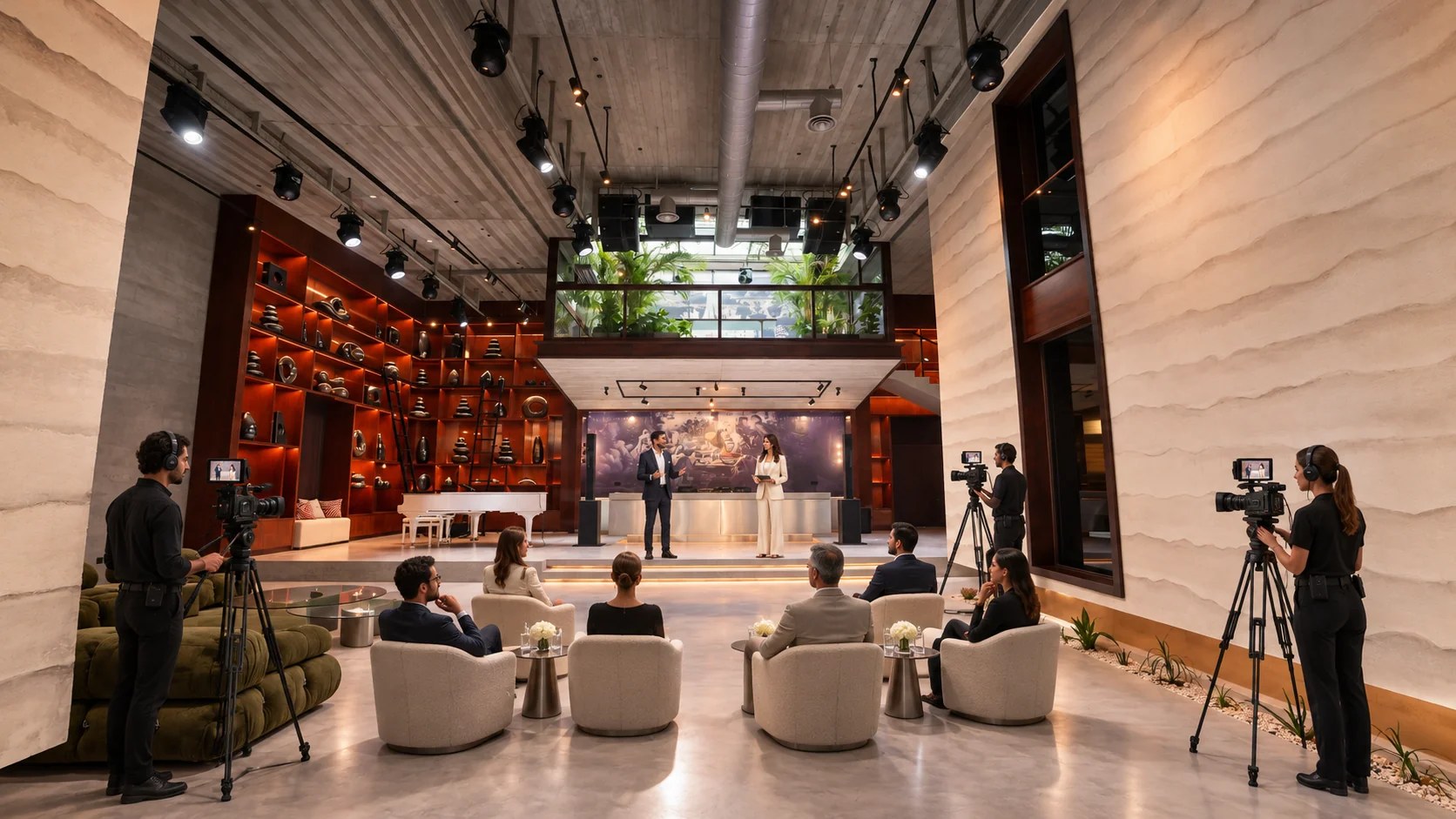
Plan multicamera event production in Dubai with your camera positions and rehearsal checks. Discuss live video requirements at Someone’s House in Al Quoz.
The presenter reaches the product demonstration, and the director needs a close view that shows what the invited audience is watching. Across the camera feeds, the crew checks the next shot ahead of the cut. For a multicamera event production in Dubai, the useful planning question is which views the finished program needs at those exact moments.
Someone’s House provides a private event setting at Al Khayat Avenue, with production equipment listed in its current official inventory. Guests attend through the host’s invitation arrangements, and the video needs an agreed distribution plan. For an internal presentation recording, confirm the recipients; public transmission requires approval for that wider audience. Set the intended audience during the production brief, then develop the camera plan around the event’s actual content.
Specify the video’s destination and intended duration in your first production discussion, with the commissioning team involved in the decision. Perhaps the company needs the complete presentation for invited colleagues. For a public broadcast, the producer needs the host’s approval for material that will appear as the event happens. Agree who approves the final graphics, plus the point at which the event becomes ready for transmission.
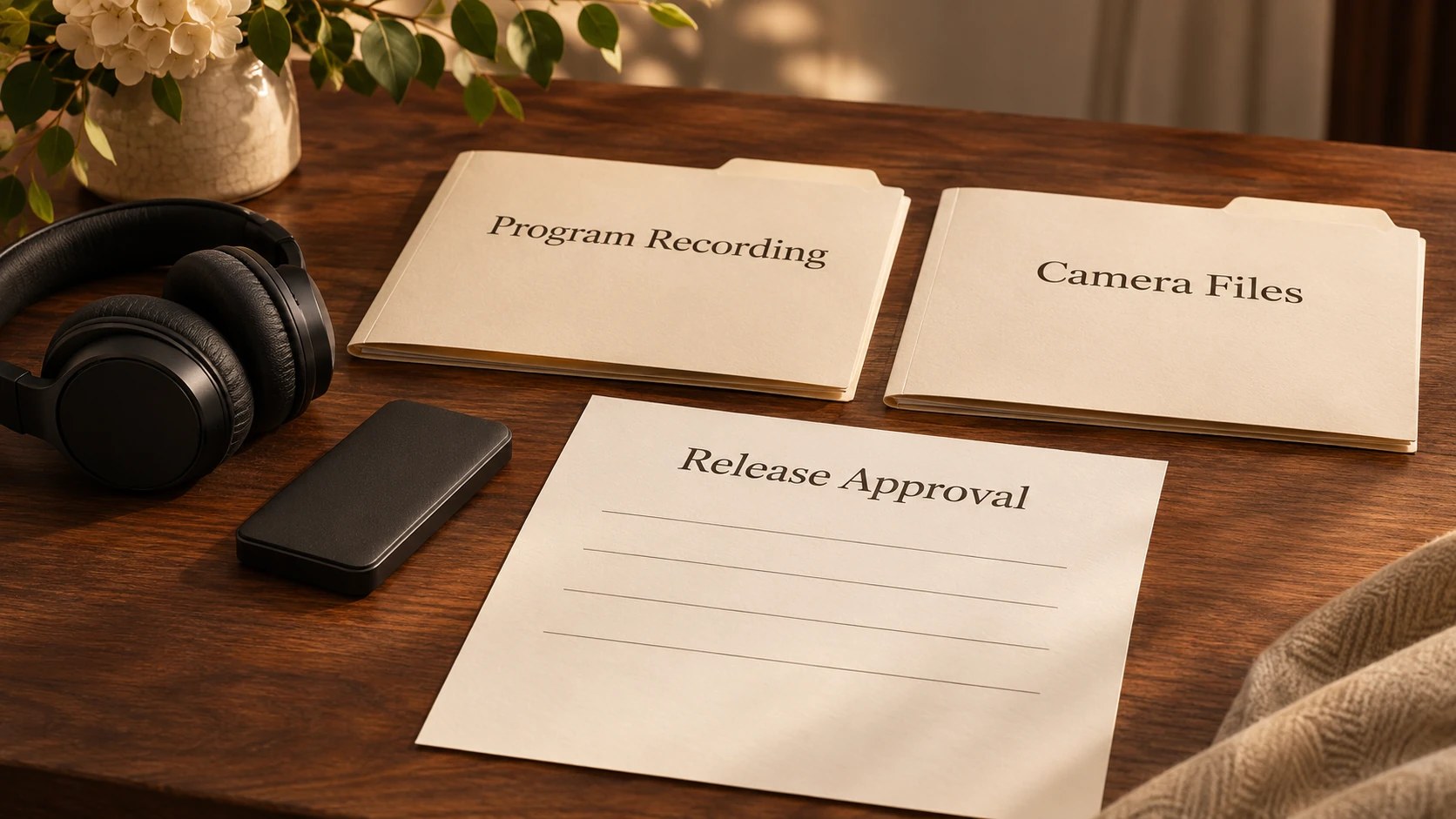
The program feed contains the director’s selected shots in their live sequence, with any graphics included in that output. If the editor needs other camera angles after the event, request separate camera recordings in the production scope. The producer needs the requested edited deliverables in the brief to allocate postproduction time. For separate camera files, agree storage and handover arrangements with the editor.
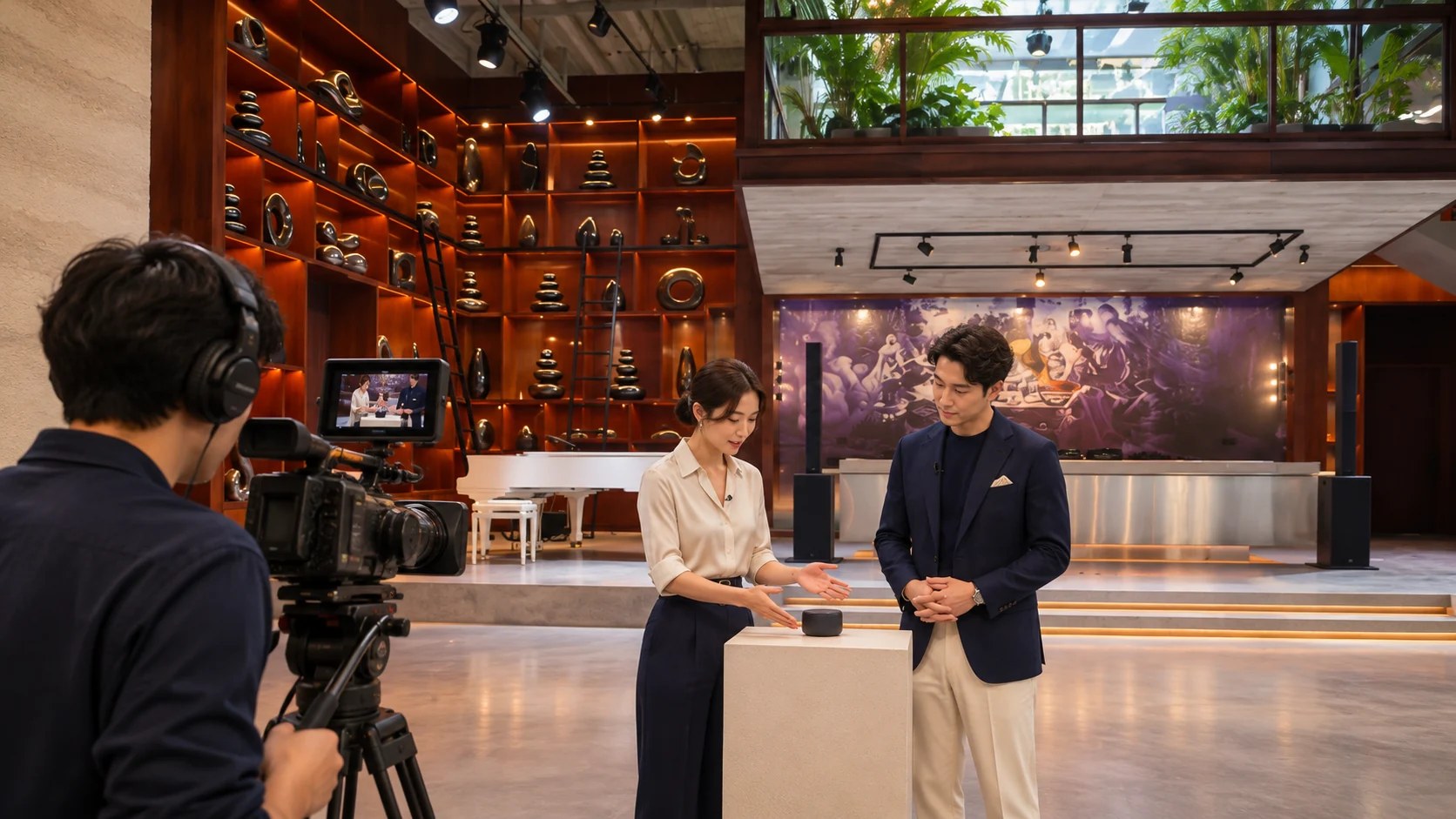
In a product demonstration, the close shot needs enough detail for the viewer to follow the presenter’s actions. The wider discussion view establishes where the speakers are seated. Once the seating plan is available, the producer needs to assess which proposed camera positions remain usable with invited guests in place.
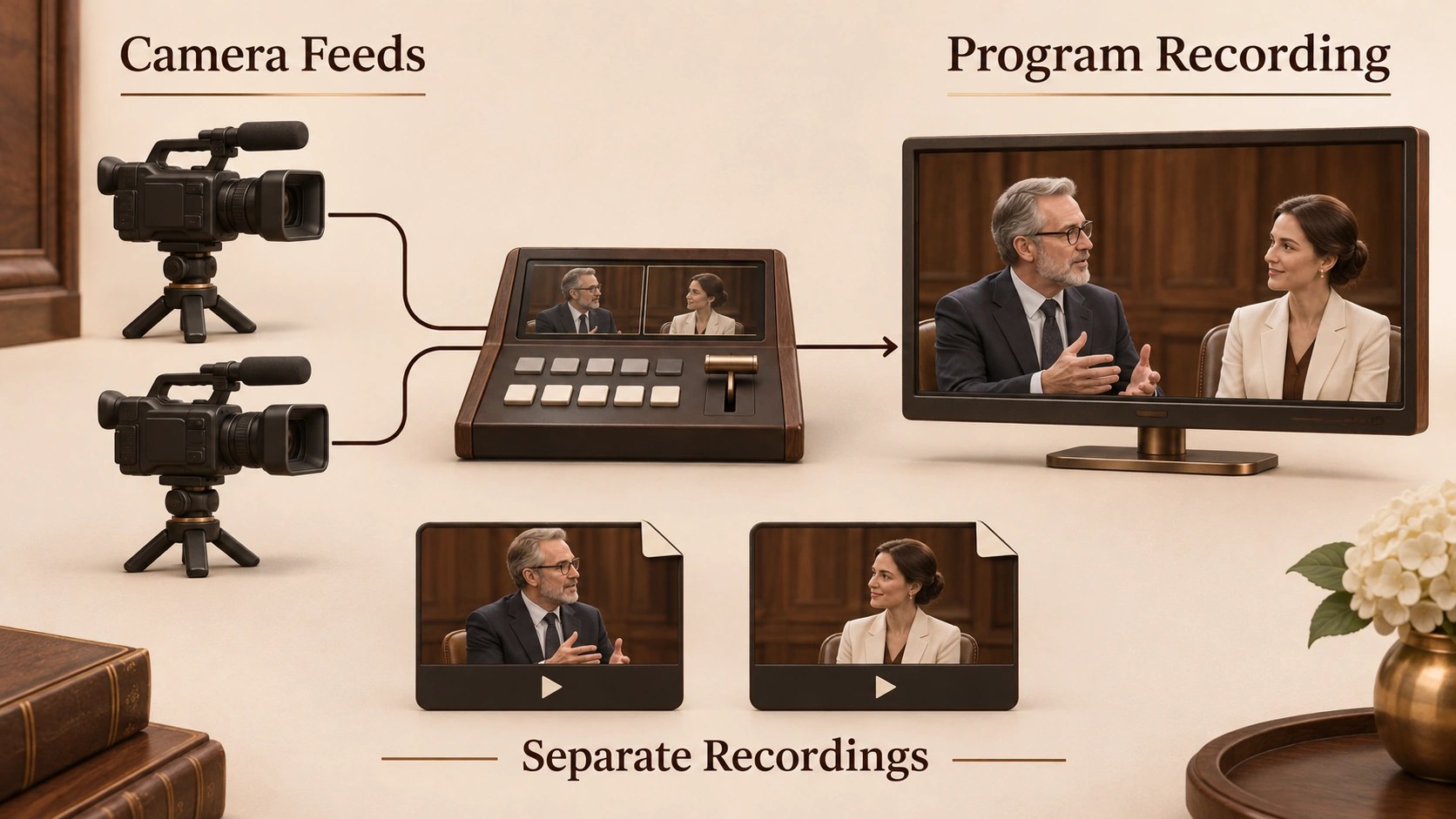
Someone’s House’s official equipment inventory lists three Blackmagic Studio Camera 4K Pro cameras and an ATEM SDI Extreme ISO switcher. Availability for the event date and the agreed operating scope belong in the booking discussion. Ask the producer to identify the people responsible for the cameras and live switching, with the required rehearsal time included in their plan.
Blackmagic’s published switcher specifications describe eight SDI inputs and HD video operation for the ATEM SDI Extreme ISO. Its output supports 1080p formats; the camera’s 4K designation describes the camera. Confirm the proposed signal path when discussing a requested delivery resolution. For a requested higher-resolution recording, have the production team assess a separate camera recording route against the delivery specification.
On the site visit, ask the technical lead to review the actual connections against the event’s input list. For a presentation computer, confirm the proposed connection to the video system. Reserve the relevant input in the plan, then test the supplied slides through the intended route. If a source requires conversion, ask the technical lead to test the converter with the supplied computer. Record the tested route in the production specification.
Write the camera plan around the presenter’s movements, with a description of what each operator needs to see during the presentation. For a proposed two-speaker demonstration, a single camera can maintain a view that includes both speakers. Place another camera for a closer view of whoever is speaking. The remaining position covers the demonstration surface when the product requires detailed explanation.
Rehearse the product demonstration with the director, then review whether the product remains visible as the presenter reaches across the table. If the presenter’s hands obscure the detail the audience needs, change the object’s position. For a closer composition, discuss the lens or camera position with the production team. Once the director approves the framing, the operator needs that camera assignment on the shot plan.
The House’s main event area has its own fixed architectural features that the camera crew needs to assess in person. Confirm sightlines after the proposed seating is in place. Tripods occupy floor space, and an operator needs access to the camera during the program. Keep the approved guest route available when allocating camera positions; the venue team reviews the arrangement against event access requirements.
The video lead needs a common production format agreed with the crew, followed by a comparison of the camera images in the proposed event lighting. Check the speakers’ skin tones in each intended shot. If a change in angle produces a visibly different color balance, adjust the camera setup during rehearsal. On a test recording, compare consecutive cuts for distracting changes in brightness.
Screen content deserves a camera test using the actual presentation, especially when a speaker will appear beside illuminated graphics. Check whether the text remains legible in the selected view. For slides that carry detailed information, discuss a direct presentation feed with the producer. Rehearse the cut to that feed and check the material’s legibility at the chosen program resolution.
When lighting varies between the demonstration position and the discussion seats, test the presenter’s movement using the planned camera framing. The technical team needs to assess any visible flicker in the recorded test. For a proposed lighting change, involve the venue’s technical personnel in reviewing the complete production setup.
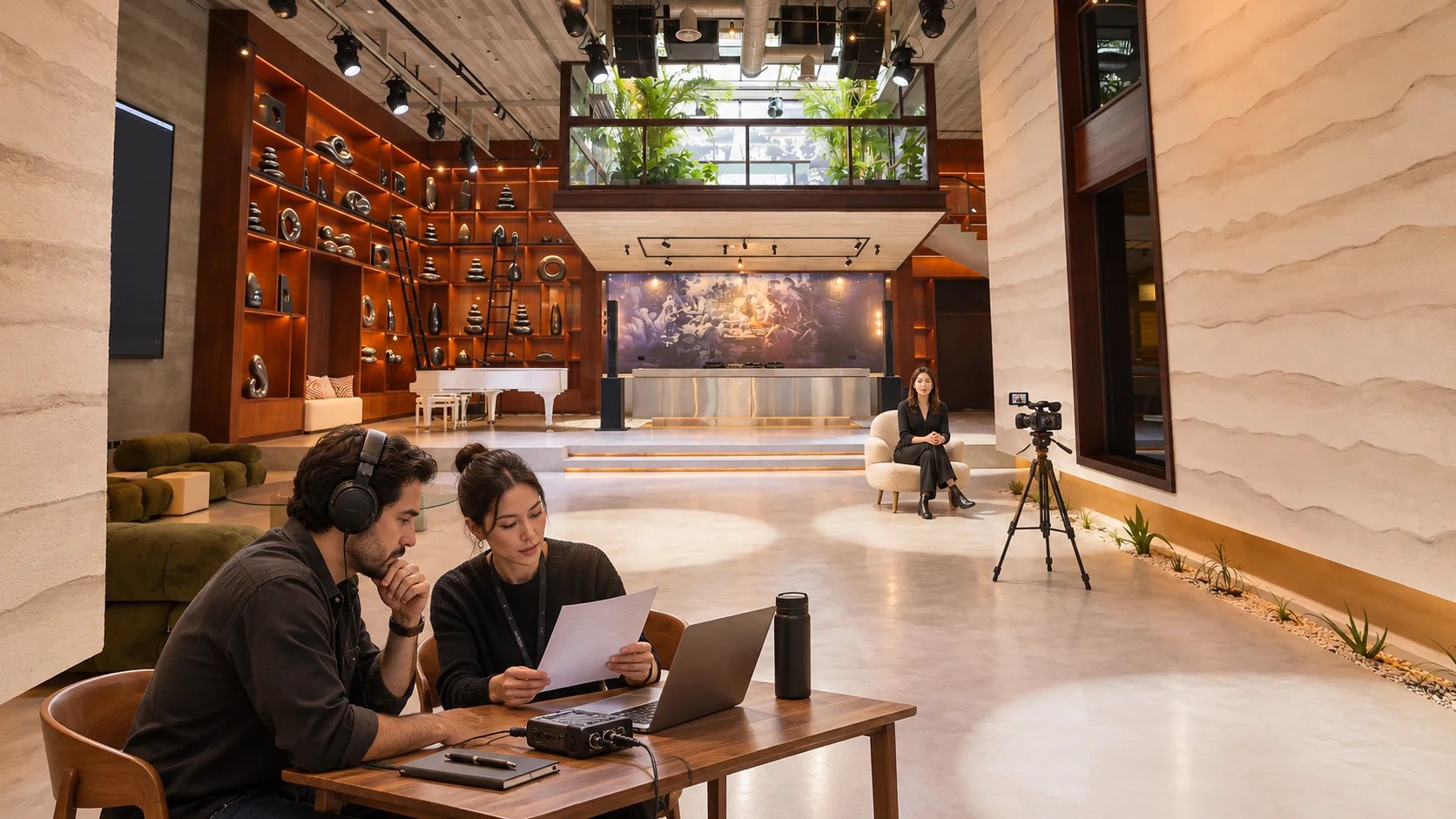
Speech needs to be checked via the actual recording route, with a crew member listening to the program audio on headphones during rehearsal. Play back a short recorded section containing dialogue and a presentation clip. If the clip overwhelms the speech at the transition, the audio operator needs to review the relative levels. The rehearsal needs the presenter’s actual movement so the crew can hear any change associated with the microphone position.
For questions from invited guests, agree how the question reaches the program mix ahead of the session. The director needs enough time to select an appropriate shot at the start of the question. Include that exchange in rehearsal so the crew can test the handoff. If the host plans private discussion after the presentation, identify the cue that ends the recording or transmission.
House’s guide to podcast recording with invited guests discusses how a host prepares the conversation and manages audience participation. For a multicamera live production, specify the shot sequence and switching cues in the technical brief. Keep the event’s audio decisions aligned with those cues, particularly when the presenter introduces a video that includes its own audio.
Write the presentation clip’s starting cue into the run sheet so the director can anticipate the change in video source. Use an agreed clip name when briefing the cue caller. Once the final file arrives, test it through the intended system at rehearsal and check its first frame. The presenter needs to know when to stop speaking so the clip’s opening dialogue reaches the audience.
Crew responsibilities require a direct conversation when one person has several duties during the event, especially at a complex changeover. Identify who calls the cue and who operates the switcher. If a camera operator needs to reposition, the director needs an available view during that movement. Rehearse the change using the proposed camera assignments.
For a brand presentation followed by discussion, test the transition with the furniture in its intended positions. The crew can check whether the seated speakers remain visible when the host joins them. Any revised camera placement needs another sightline check. Keep the final run sheet with the agreed production team so late changes reach the people operating the event.
For a livestream, arrange a connection assessment using the actual encoder settings and destination during the production team’s preparation. YouTube’s encoder guidance relates bitrate recommendations to the chosen resolution and frame rate. Its guidance asks creators to test their upload speed and run a test using comparable audio and movement. Select settings for the actual program, then monitor the test at the receiving end.
Your producer needs a response plan for a connection interruption, with the host’s decision recorded in the brief. If the host needs a file independent from the transmitted stream, request a local program recording. Agree whether the crew continues that recording during a streaming interruption, subject to the configured system. The event team should confirm any second connection through the booking process.
Blackmagic documents separate input recording for the ATEM SDI Extreme ISO, alongside the selected program recording, depending on the configured recording setup. Ask which files the production team will deliver for your event. In the rehearsal’s recording check, open a sample program file and verify that it plays through the test section. The producer needs an assigned reviewer for the completed recordings ahead of handover. File storage and the agreed retention period need a named responsible party.
Agree on the host’s approval process for edits intended for publication, with particular attention to excerpts that feature invited guests. For external distribution, the producer needs the approved destination alongside the final version. When the event includes confidential presentation material, identify the permitted recipients for the recording. Keep public-release approval separate from the technical handover of files.
Someone’s House’s booking page provides a route to discuss a proposed private event and its production requirements. Share the presentation format with the venue team, together with the intended video delivery. In a site review, discuss the camera positions and the crew’s access to rehearsals. Include the proposed event date so the team can review availability against the requested production scope.