Blog


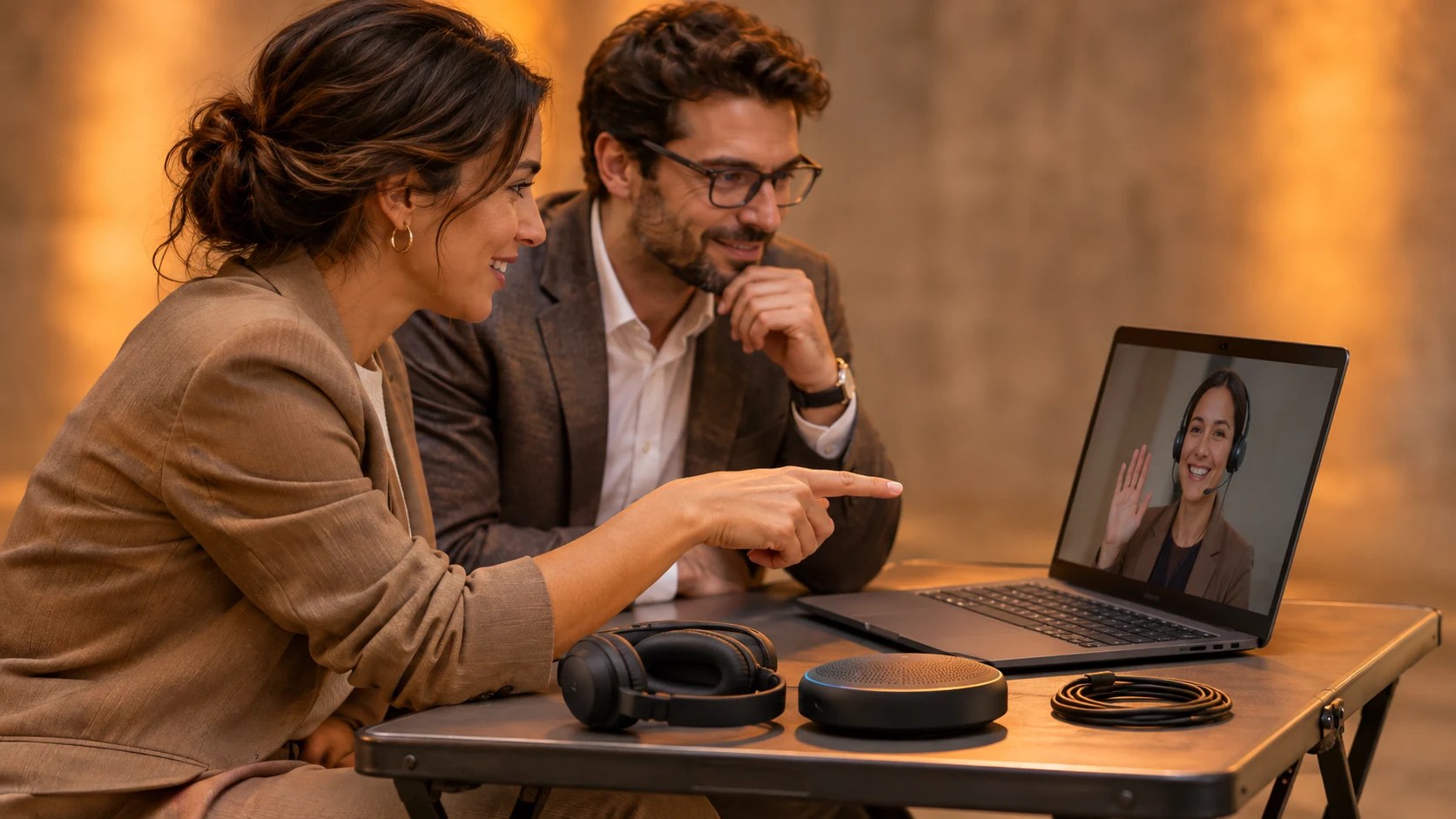
Plan a hybrid executive meeting in Dubai with two-way audio and presenter rehearsal. Discuss your private meeting at Someone’s House with the venue team.
Hybrid executive meetings connect colleagues attending a private gathering in Dubai with participants joining the same discussion from another location or time zone. For a hybrid meeting venue in Dubai, the useful test is whether that colleague can question the proposal as easily as the people beside the host. The camera picture helps, but the conversation needs a microphone within reach and someone who notices a request to speak.
Someone’s House hosts private executive gatherings within its residential interior at Al Khayat Avenue in Dubai’s Al Quoz district, with attendance arranged by invitation. Its private meeting setting suits a hosted discussion followed by a meal or a less formal conversation. Acknowledge the remote guests within that plan: establish when they participate and how the host will include their contributions. Arrange the technical requirements with the venue team against the proposed meeting format.
Start the planning conversation with the decision the group needs to reach, plus the colleagues whose knowledge is necessary for that decision. If a regional director joins for a particular discussion, reserve their speaking time alongside the relevant agenda item. Ask the host to introduce the subject while that director is connected. Questions directed to the overseas colleague belong within the agreed discussion period.
Remote attendance changes the way a host notices a request to speak, particularly when several guests in Dubai respond to one another. Microsoft Research’s hybrid meeting guidance discusses the difficulty remote participants face when they hear simultaneous conversations. For a detailed exchange, let one person finish their contribution, then invite the colleague on screen to respond. The host needs an unobstructed view of the participants’ raised-hand indicator.
For a senior team that knows one another well, a conversational seating arrangement often suits the meeting’s purpose and the House’s residential character. Review the proposed layout with the people responsible for audio and video. Guests who sit at an angle to the main display still need a comfortable view when an overseas colleague speaks. Include the remote guest’s picture in the seating discussion.
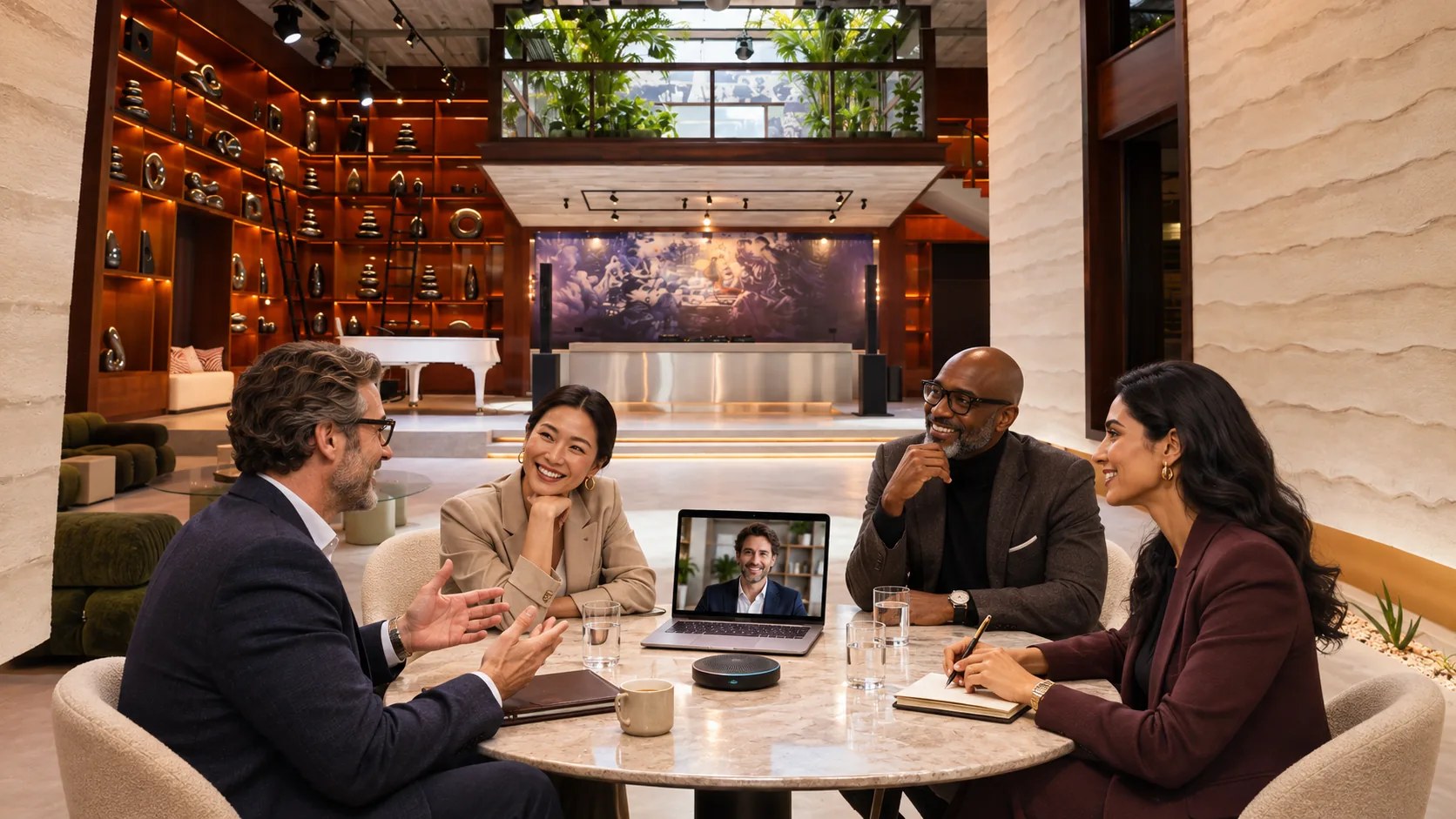
The first audio check needs someone outside the venue who can listen to the actual call and describe what reaches their headphones. Speak from the furthest planned seat, then test the microphone at the host’s position. Ask the remote colleague to repeat a sentence heard during the test. Listen to their reply through the proposed venue audio arrangement.
If a guest moves a chair during the meeting, the microphone arrangement still needs to suit that new speaking position. For a discussion with several contributors, decide how a microphone reaches the next person. Agree who assists with that handover and rehearse the distance involved. Soft-spoken speakers deserve the same test as the main presenter.
Several active laptop audio connections in one shared space can create a repeated or delayed sound that makes discussion difficult to follow. Zoom’s audio troubleshooting guidance advises disconnecting computer audio on the additional devices in that arrangement. The speaker remains active when a participant mutes their microphone. Ask the technical lead to specify which device handles the local group’s call audio, then test the guests’ proposed laptop setup.

Remote colleagues need a view that makes the current speaker recognizable, especially during a discussion where the host invites contributions from different seats. Test the camera image with people in the proposed chairs. If the image becomes too wide to identify a speaker, discuss another camera position or an operator-assisted view. The production plan needs the actual participant layout.
Presentation slides deserve their own shared feed when remote colleagues need to read a proposal or examine a small diagram. Microsoft’s content-sharing instructions explain how Teams users share a screen or an application window. Rehearse with the actual presentation computer and the approved file. Open the shared view on the remote test device, then check the smallest text that participants must read.
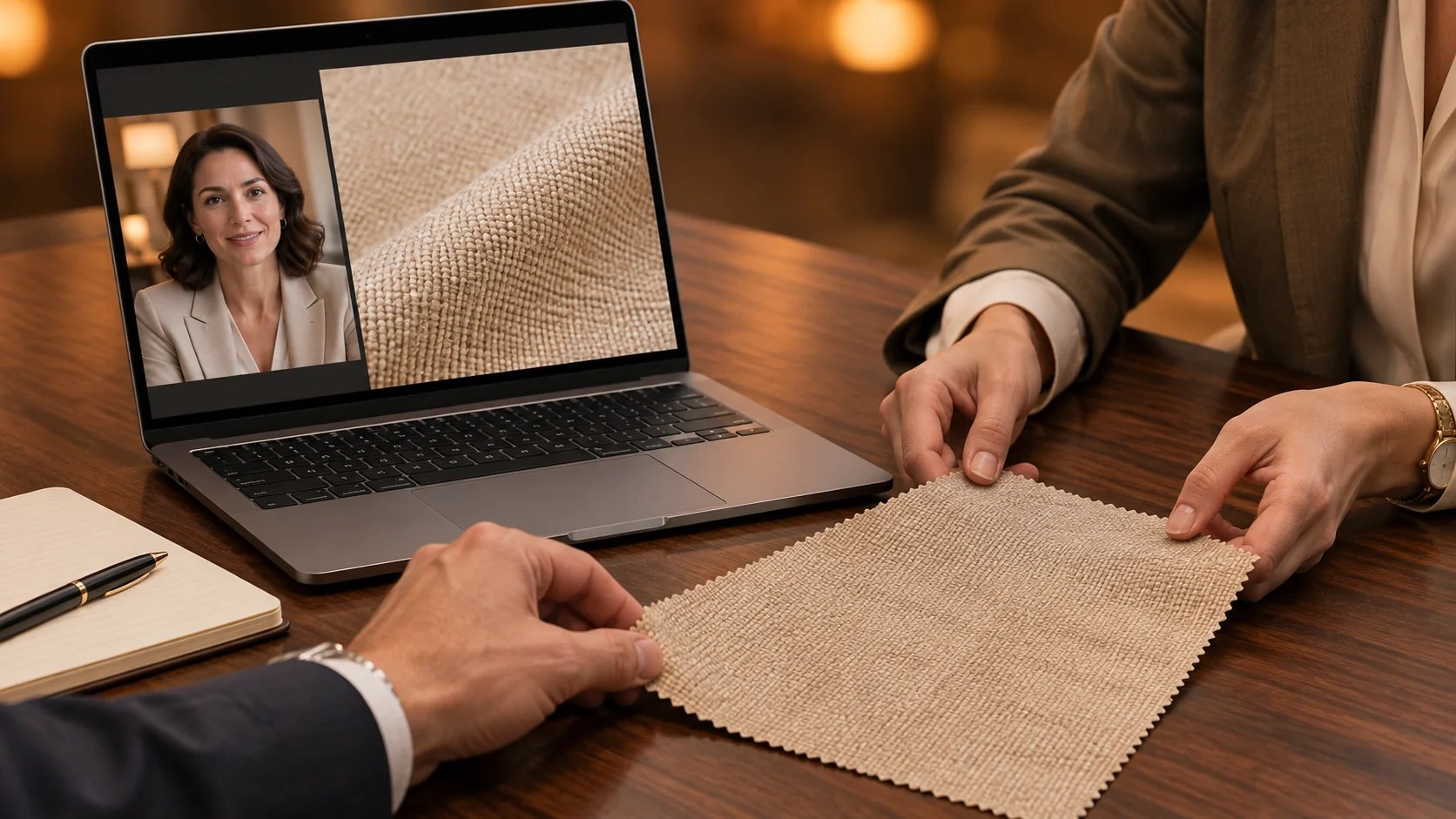
Your presenter may need to demonstrate a physical sample, which creates a different viewing requirement from a slide-based business update. Place the sample where the camera can show the relevant detail, then perform the demonstration during rehearsal. Ask the remote participant to describe what they see. For a surface finish or a small connector, discuss a closer camera view with the production team.
Internet preparation begins with a conversation between the organizer’s technical contact and the venue team about the proposed call platform and associated devices. Request a test at the planned production position. Use the same computer that will join the meeting, with the presentation open during the test. Run the call long enough to assess speech and shared content during normal use.
The IEEE’s hybrid meeting planning guide recommends considering backup connectivity and distributing presentation material ahead of a session that includes remote participants. For your event, agree a tested recovery method with the technical lead. If a remote presenter disconnects, the host needs a named contact who can reach them. Keep the approved presentation available to an on-site colleague who has permission to use it.
Successful recovery requires an agreed decision from the host concerning what happens while an essential participant reconnects to the call. Reserve discussion items that the remaining group can address during that interval. When the absent colleague returns, explain which question is awaiting their contribution. Any decision that needs their approval stays pending until they participate.
The transition between a speaker in Dubai and a colleague overseas should be rehearsed with both people connected via the actual meeting account. Ask the on-site presenter to finish a section and stop sharing their slides. Let the remote presenter open the next file, then check what appears on the venue display. Confirm who assists if the expected sharing option is unavailable.
Video playback adds another test when a presentation includes audio, since the meeting application requires the appropriate computer audio settings for that material. In Teams, shared computer sound includes notification audio. Prepare the presentation device with the relevant notifications silenced, then listen from the remote test connection. The technician needs to hear the clip’s dialogue through the same route the attendees will use.
Rehearsal time should be included in the venue arrangement and the participants’ calendars, especially when an overseas presenter has limited availability on the event date. Schedule their test around the segment they will deliver. The host’s introduction and the presenter’s first slide usually expose the immediate handover questions. Repeat any failed section after the technician has made the required adjustment.
Private access at the House starts with the host’s invitations, and the digital meeting needs an equally deliberate attendance plan. Use a meeting account approved by the organizer’s company. Ask the organizer to select the appropriate admission settings for the invited group. Someone needs to be responsible for recognizing remote guests when they join, particularly if they join during a presentation.
Confidential material requires an explicit decision concerning who receives the presentation and which discussion segments will be recorded for later use by the company. Agree those arrangements with the host and the relevant company contact. If a recording is requested, tell participants how it will be used and who will receive it. The written brief needs the agreed recording scope and the person authorized to approve distribution.
Sensitive commercial discussions sometimes continue during a break, when a live microphone could transmit a nearby conversation to people still on the call. Agree a break procedure with the technician and rehearse it with the host. The remote participants need a return time displayed in their local calendar or meeting message. Resume the shared discussion after the host has confirmed that the required colleagues have returned.
Executive meetings at Someone’s House can have a relaxed pace, with the hosted meal arranged around the portion that includes overseas colleagues. Set the meal time after the shared discussion, when the proposed format allows. Remote guests then participate in the agreed business conversation, and the Dubai group continues with its private hospitality plan. Confirm the meal arrangements with the venue team.
Comfort during the meeting extends to remote participants who may be using a small screen or joining around other work responsibilities. Provide the approved reading material early enough for them to review. Ask attendees whether they need captions or another access arrangement, then test the chosen option with the organizer. Acknowledge requested support within the actual meeting setup.

Send the House team the proposed date and the number of people attending in person, with a separate count for remote participants. Explain how the overseas colleagues will contribute during the meeting. Include the preferred call platform in the technical discussion and request time for a rehearsal. The venue team can assess the proposed arrangement against the venue’s available setup for that event.
Your House booking inquiry is the place to describe the discussion you want to host and the hospitality you plan to provide around it. Include any camera requirements that follow from a demonstration or a panel discussion. Agree the event’s technical scope with the team, then schedule a test with the people who will use it. Keep the host involved so the final arrangement supports the conversation they want their guests to have.