Blog

Plan an embargoed product demo in Dubai with confirmed press access, clear photo permissions, a release time, and a press kit editors can use.
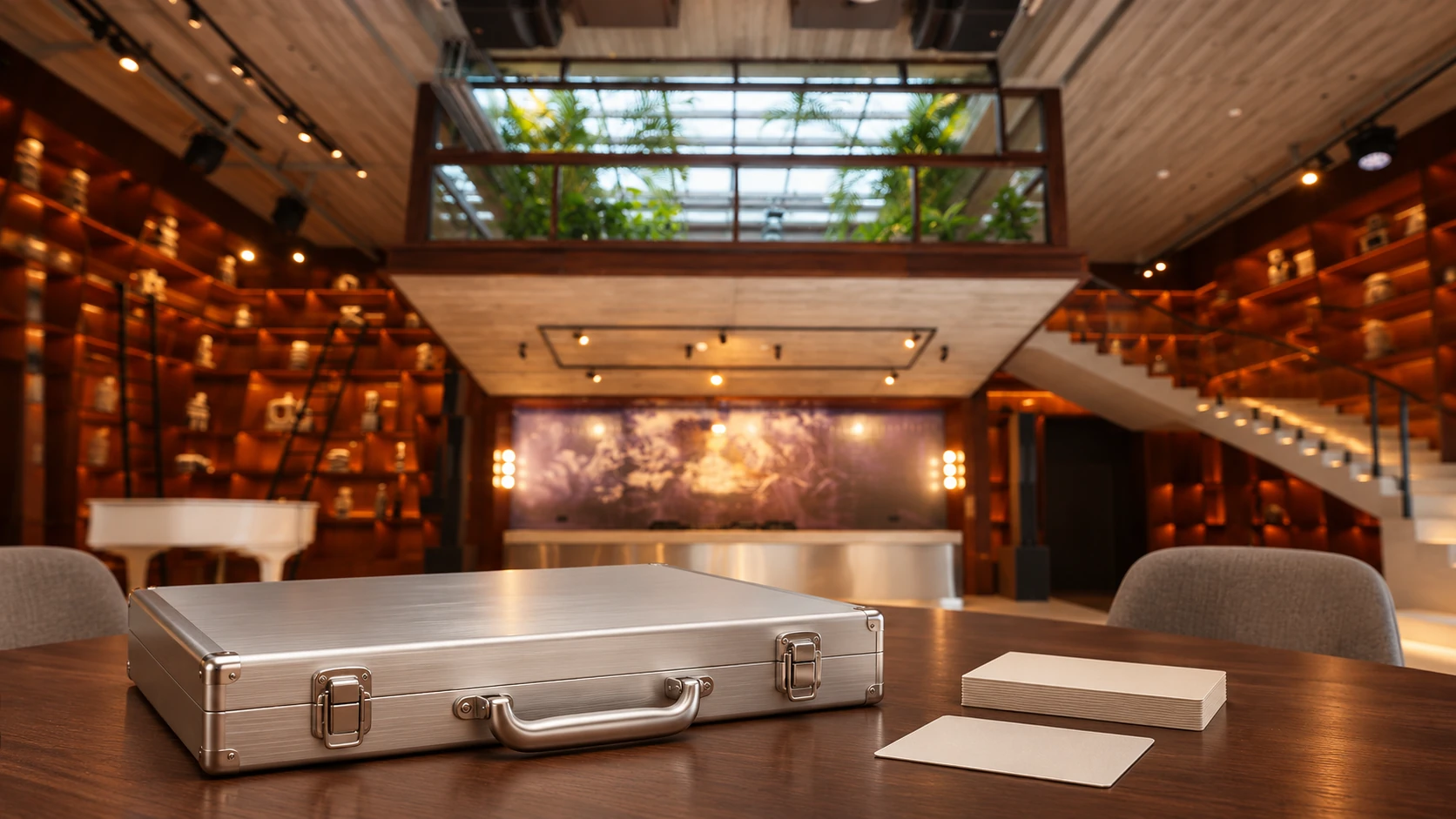
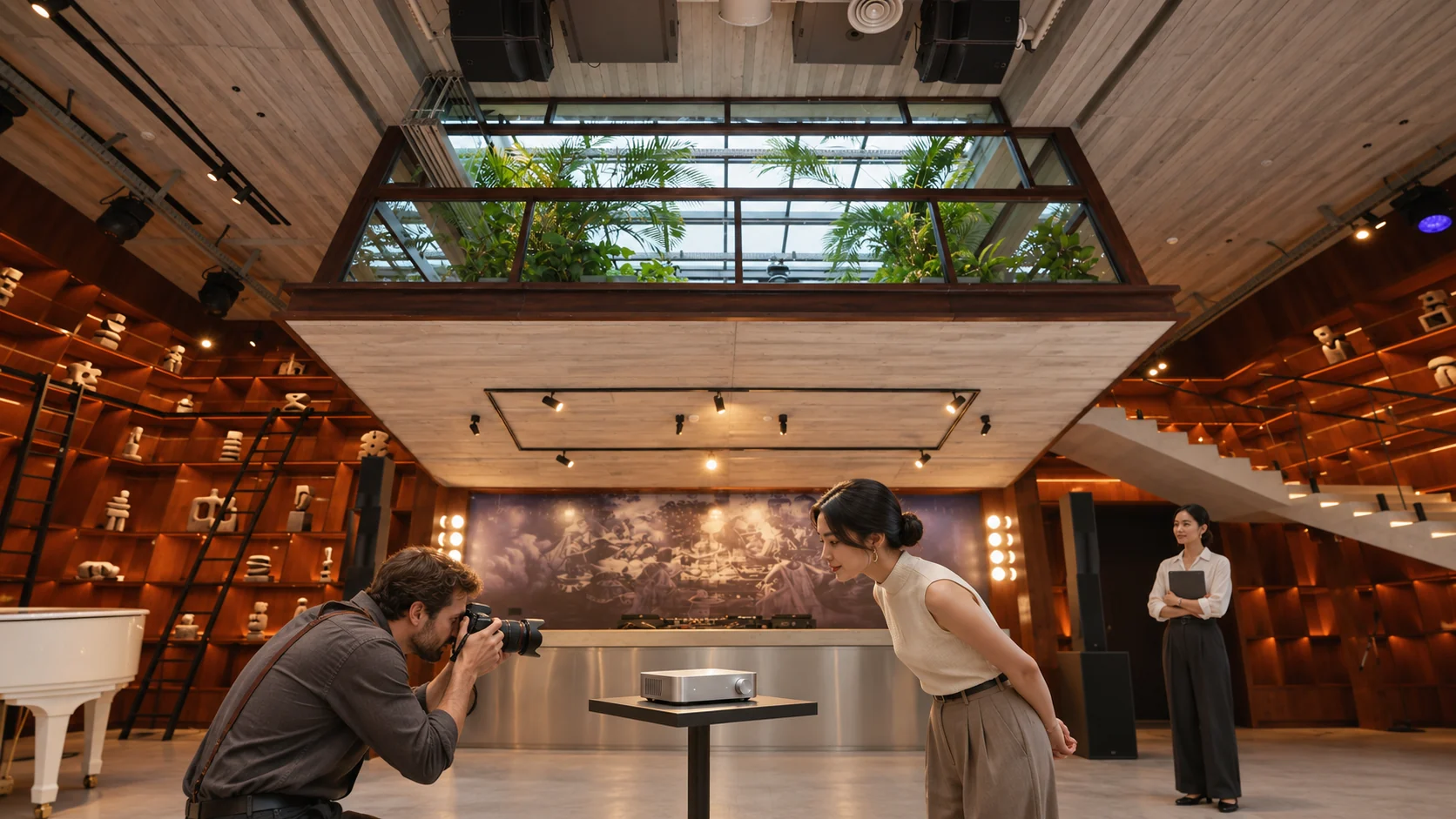
The first photo a guest takes at a product preview may be a quick picture of the table while they wait for the demonstration to begin. If that picture includes the new product’s name on a card, it can tell the whole story to anyone who sees it. Decide where that card goes and when it appears, and explain the photo permissions when guests arrive.
Your embargoed product demo in Dubai works best when journalists can ask useful questions and know which material they can prepare for publication. The brand has to decide which details it will share, when they can appear in public and what photographers can record inside. Watchmakers previewing a new movement might permit close-up photography for publication after release. Software teams preparing an early demo may prefer supplied images for the parts of the interface the company plans to announce.
Send invitees the exact date and time for publication in their invitation, along with the time zone and a short explanation of which material the agreement covers. Ask recipients to accept the terms in writing prior to sharing any embargoed files. EurekAlert!’s explanation describes this exchange in science journalism: reporters agree to a release time in return for advance access. The same distinction helps when planning a product demo. Arrival confirmation and acceptance of publication terms belong in separate entries on the press list.
The date and time should be intelligible to an editor in a different country who opens the invite the following morning. For example, 10:00 a.m. Dubai time (UTC+4) corresponds to 06:00 UTC on the same date. If an announcement changes, send an updated note showing the new release time and ask recipients to acknowledge it. Replace any old release labels on the press kit as part of that update.
Whoever sends the invitations should decide how to handle a journalist who wants an editor or a photographer to attend with them. Collect the additional guest’s name and the publication’s contact details, then send the same terms to the person who will handle the material. One person can maintain the guest list and send the host an updated copy shortly ahead of check-in.
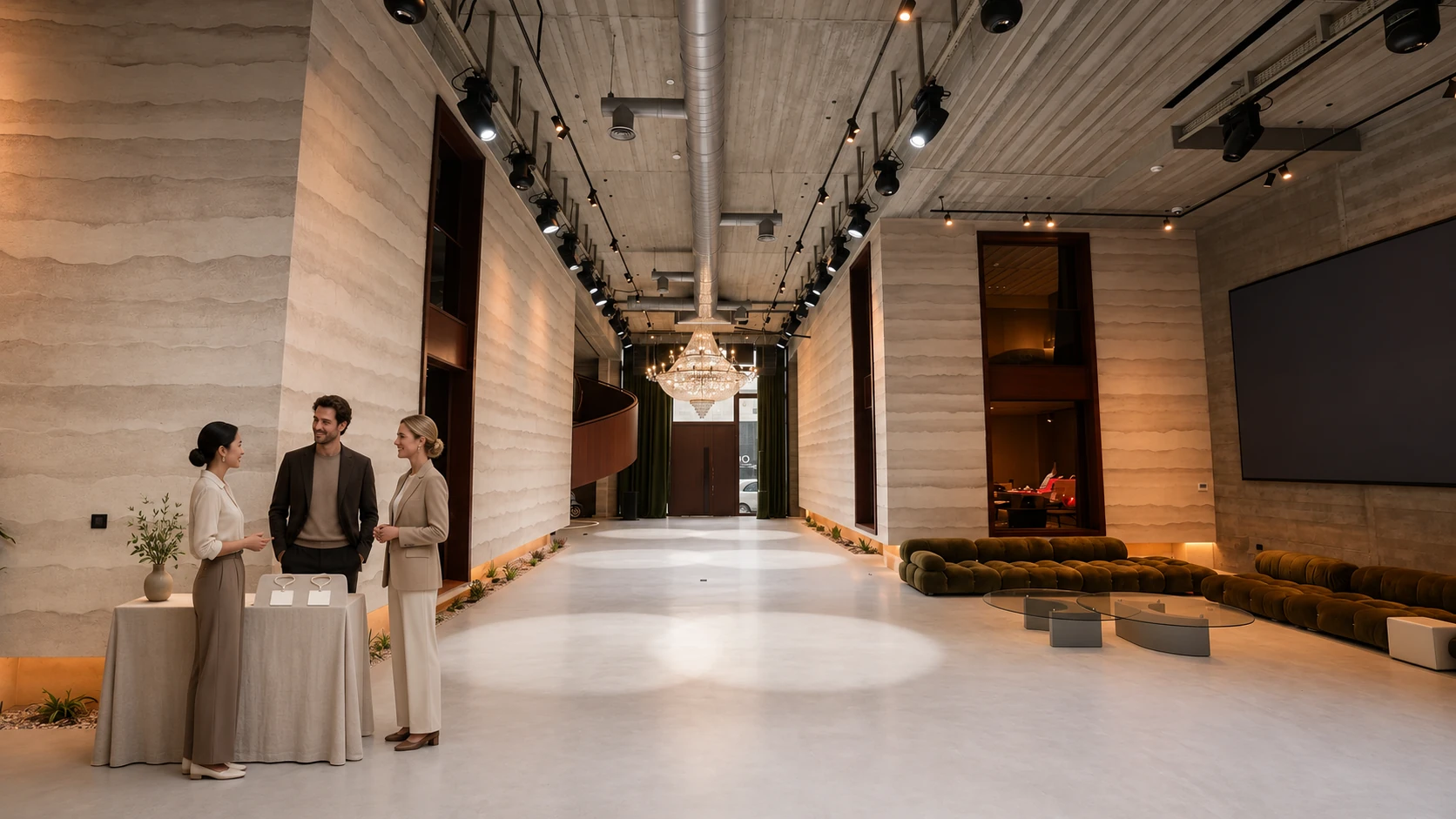
Use the guest’s first exchange with the host to explain where they can wait and when they will see the product. Some guests will arrive early, and their first instinct may be to look for the display table or the person who invited them. Set the check-in point where the host can greet those guests and direct them to a seat while the brand team prepares the product.
The people clearing attendance should know whom to call when an unfamiliar guest arrives. The host can check a name and keep a shared waiting area available while a PR contact verifies the invitation. Photographer access deserves the same preparation. If their assignment covers guest portraits alone, show them the portrait position and explain when they can start.
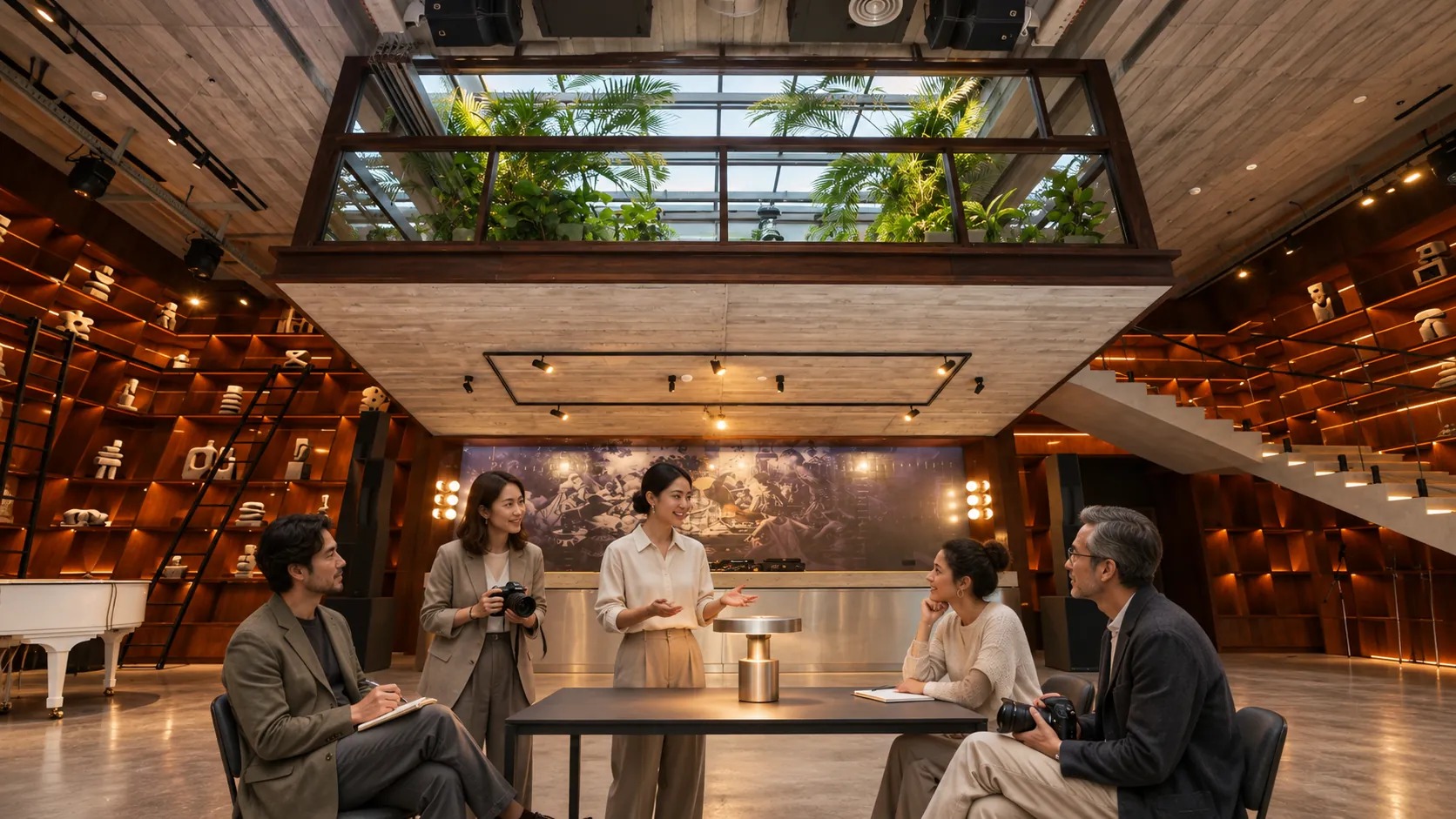
Someone’s House lists private media events among its formats. Use the venue visit to look at the actual path from arrival to seating and discover which views guests will have as they enter or leave. Early sightlines can dictate where the team keeps packed products and which direction the demonstration table faces.
Photography rules make more sense to a guest when they describe the part of the program they are in and what the camera may show. You can allow arrival portraits in a nominated area and reserve all product images for a short photo call after the demonstration. Your staff photographer might take pictures from a position where the product is visible and the screen falls outside the frame.
For a prototype with a finish that changes as the light moves, plan where a photographer can get the view the brand intends to make public. Review the shot from the side and see what else enters the frame. The edge of a laptop screen or packaging on a neighboring shelf might contain material meant for a later announcement. Move those items away from the photo angle during rehearsal.
Repeat the photography policy at the same moment the permissions change. The presenter can tell everyone when they may photograph the sample and point out the area the photographer can use. If the brand is supplying a separate release image, say so at that point. Journalists can pay attention to the explanation and refer back to the approved pictures when they write.
The person who assembles the press kit should imagine an editor trying to identify a product image several hours after the demonstration. Use recognizable filenames and include captions that match the filenames. Attach the correct photo credit and explain how the press may use the supplied asset. Agree on which material is available to prepare a story and which files an editor can publish at the agreed time.
Consider separating approved photos from reference material if the kit contains both. In an eyewear preview, a close-up of a hinge might illustrate the design, and a fit chart could help a journalist ask informed questions. The files may have different publication permissions. Write the intended use alongside the relevant file so an editor can check it beside that filename.
Have the spokesperson’s approved name and job title in the pack, especially if local and international outlets will cover the product. Include the contact who can confirm a quotation or answer a question after the event. Test the link as a recipient would see it, using the same access settings. If material is reserved for publication day, the PR lead can keep it separate and check that its release follows the same clock as the newsroom’s copy.
If several publications require different crops, include enough space around the product in the approved horizontal image so the picture desk can prepare its own version. Supply a separate vertical image for outlets that need it, especially when the product’s scale is hard to judge in a tight crop. When a photo shows a preproduction sample, state that in the caption so the editor can distinguish it from the retail item.
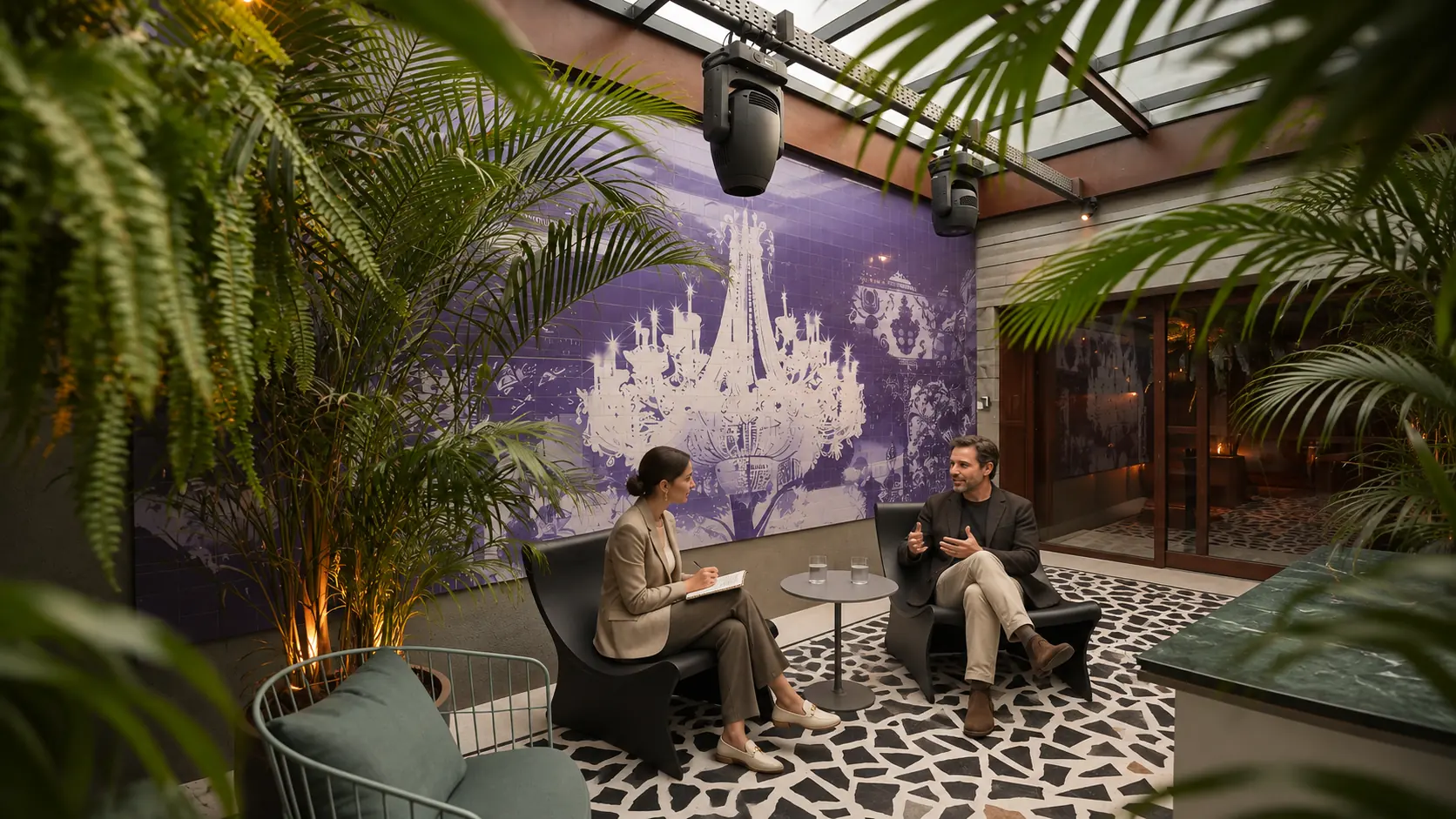
Ask the presenter to rehearse the part of the demo that has the greatest chance of displaying information meant for another audience. On a software product, open the demo using a profile prepared for the preview and check what appears if the presenter changes screens. For a physical product, check the label and any technical notes that may appear next to the sample. Decide ahead of the event what the presenter will say if a guest asks for a detail reserved for later.
Choose two signals the team can recognize during the event: a handoff to the spokesperson and a cue to open the approved photo area. The person managing press access should be able to reach the person with authority to move those moments. If a product needs extra setup time, the host can keep the conversation in the arrival area and hold the photo call until the table is ready.
On release day, designate the person who will check the public announcement and open any release-day assets. Share the press contact’s number with that person so an editor can get an answer if the release page is late. If an image appears ahead of the agreed time, handle it directly with the publication or guest and confirm what is already public. The host can keep the planned guest service in place while the PR lead manages the publication question.
Someone on the press team can walk through the running order from the guest’s point of view while the presenter rehearses. Have them arrive just as the product moves toward the table and ask them what is visible through the doorway. See whether the notes in their media kit match what the presenter is allowed to discuss. Fix any mismatch while the team can still move the sample or update the kit.
Someone’s House hosts invitation-only product presentations at its private venue on Al Khayat Avenue in Al Quoz, Dubai. Share the press estimate and intended demonstration format to the venue discussion. Walk the arrival route, check where the product can be viewed from the guest area, and review the proposed position for approved photos. Ask the venue team to point out where the next group can wait if the previous demonstration is still in progress when they arrive. Use the House booking page to discuss an exclusive full-day hire for your preview.